Tutorials
Tinkercad has some fantastic built-in tutorials that will help you learn the basics of the program.
Navigate to the left hand side of the website and find Tutorials.
You should see the list basic tutorials, in order.
Select the first tutorial, named Place It, and complete that tutorial:
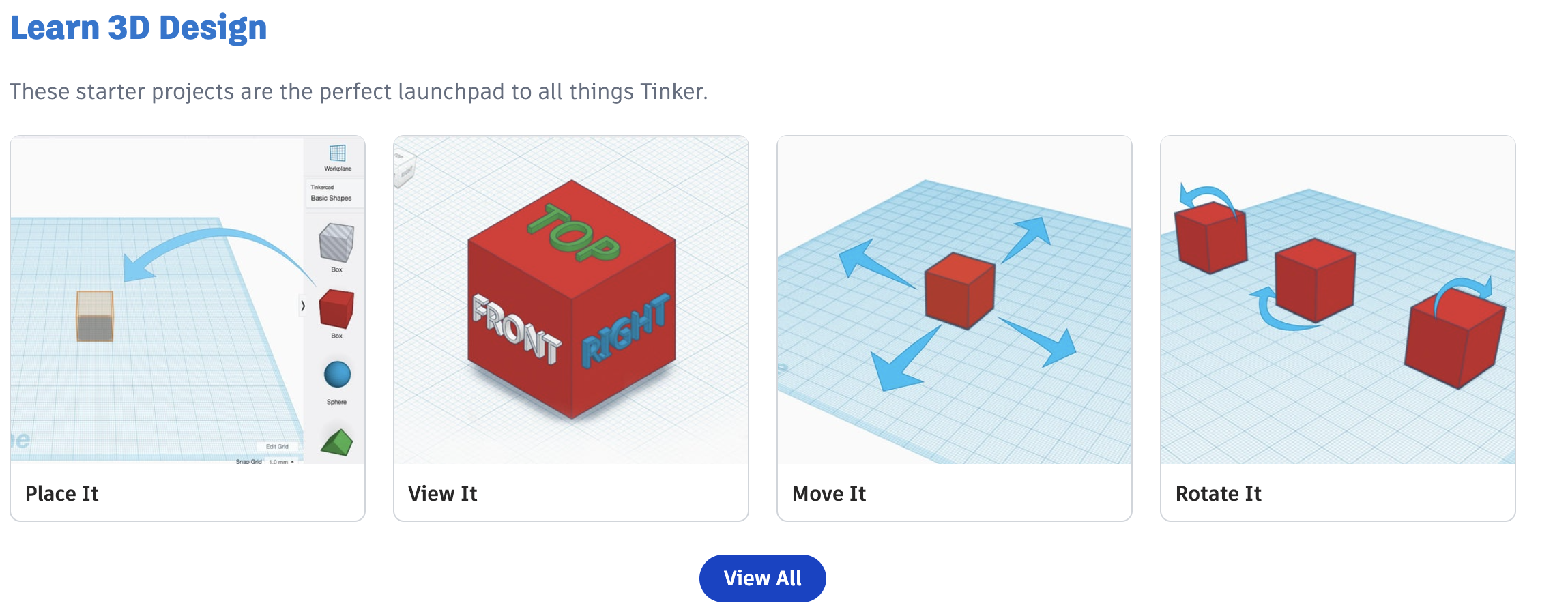
Then continue working on the tutorials until you have completed all of them:
- Place it
- View it
- Move it
- Rotate it
- Size it
- Group it
- Copy it
- Duplicate it
- Hide it
- Align it
- Creating holes
- Camera controls
- “Let’s Learn Tinkercad”
TIP
This may seem like a lot, but these are fundamental skills for three-dimensional object design. Your effort has value. Mr. Gordon and Mr. Jones will monitor your progress to support your learning. Do not hesitate to ask questions as needed.