Earlier this year, you learned in the abstract about how to use a turtle metaphor to make images. These images were in turn transferred to T-shirts or printed and laminated as “gig posters”.
You can also use a turtle-programming environment to create scalable vector graphics or SVG files. Think of these files as simply a set of instructions for the plotter or laser cutter. An SVG file makes it possible for these devices to imitate the movements of the turtle, based directly on the instructions in your computer program.
Plotter output
A plotter is simply another tool that can be used by create art – physical art – through the use of software and hardware.
Have a look at some of these examples – from the #plottertwitter hashtag used on the former Twitter social media site over the years, or the following examples from the current “X” site – be careful browsing that site, though… 😬
Apophenies #67 owned by @Vince_Van_Dough
— Cory Haber (@Cory_Haber) August 22, 2024
Digital to physical
Oil on canvas 36"x48"#plottertwitter @brtmoments pic.twitter.com/sIhEyEm1DW
There’s a railroad in Marfa that runs through town, so naturally, my plots had to have one too. #plottertwitter pic.twitter.com/BD2BSESDPS
— James Merrill (@toThePixel) December 3, 2024
Here’s a tweet from someone you might know:
An afternoon with the plotter – some culminating task drawings from my Grade 10 Intro to Computer Studies class @LakefieldCS. ❤️#plottertwitter #ICS2O pic.twitter.com/tDqUHIeylZ
— Russell Gordon (M: @rgordon@mastodon.social) (@rgordon) May 14, 2022
Laser cutter output
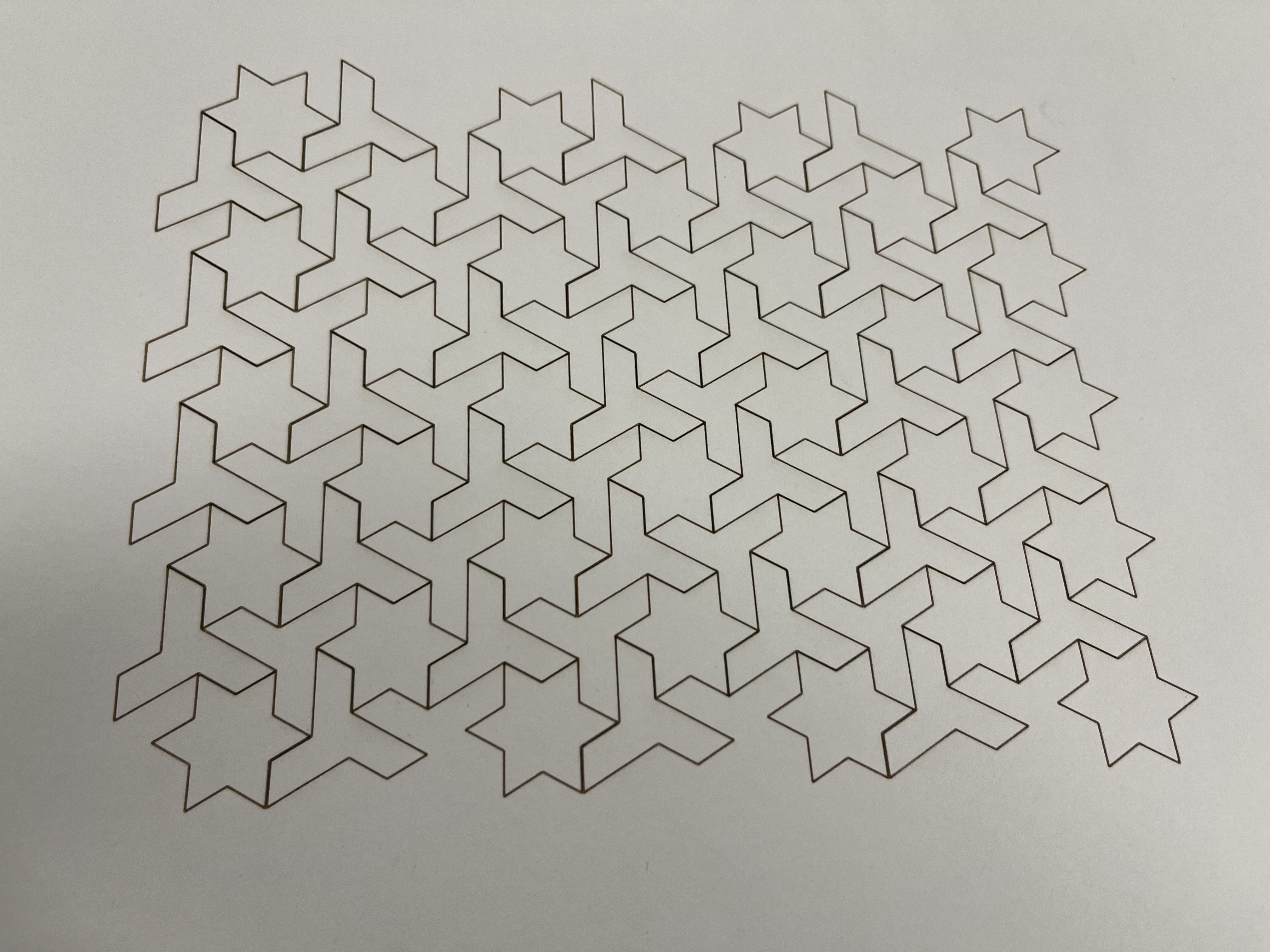
Here is a photo of a tessellation sent to the laser cutter here at LCS – this tessellation was made by Amy Shin, a graduate of LCS:
Here is a video of this tessellation being cut:
When you send SVG files to the laser cutter, you can control the speed and intensity of the laser – we can cut paper, wood, plastic, or even burn designs into cloth.
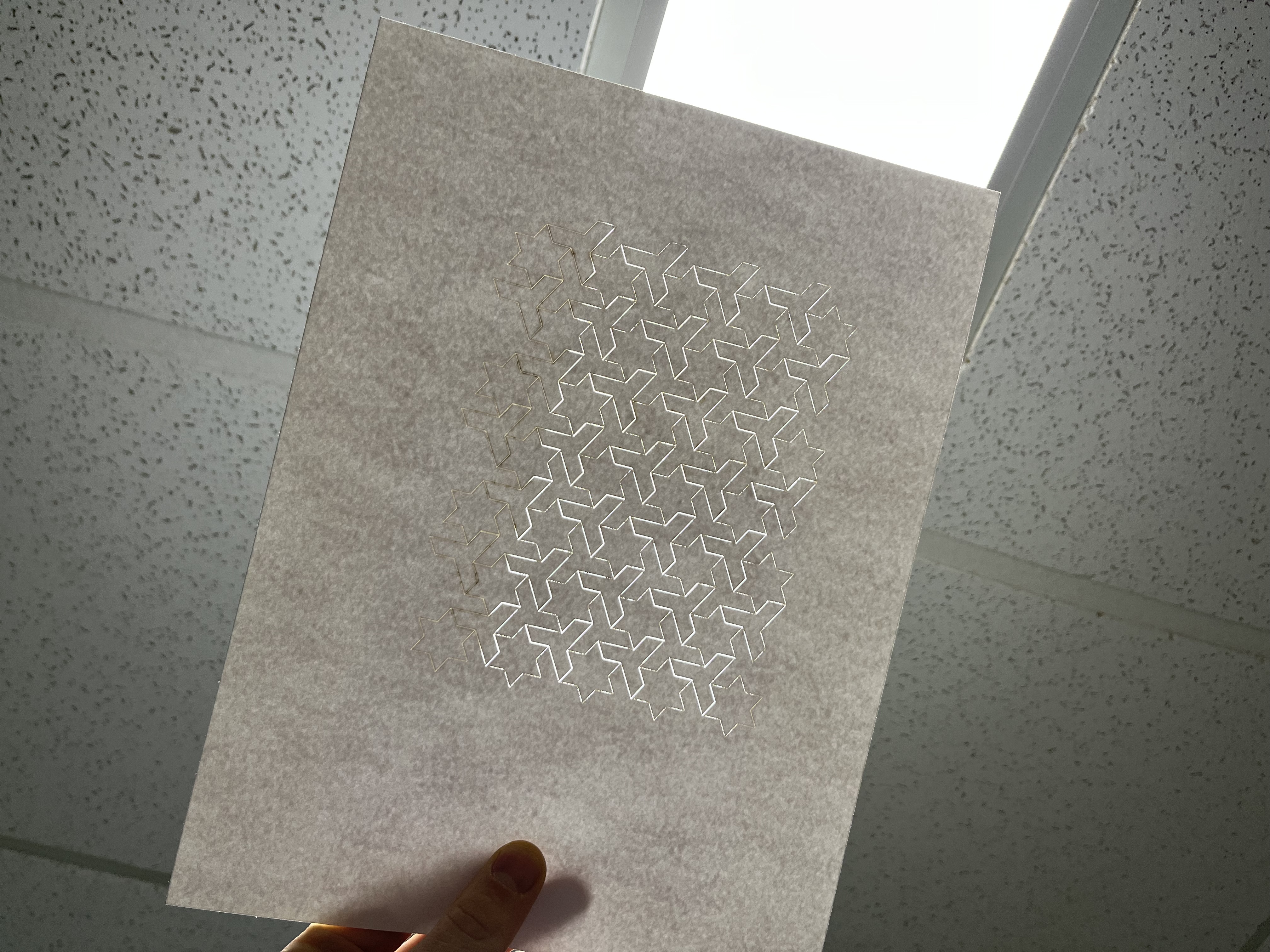
Notice that there are slight gaps in the paper from the cuts made:
Getting started
We will specifically learn how to create tessellations.
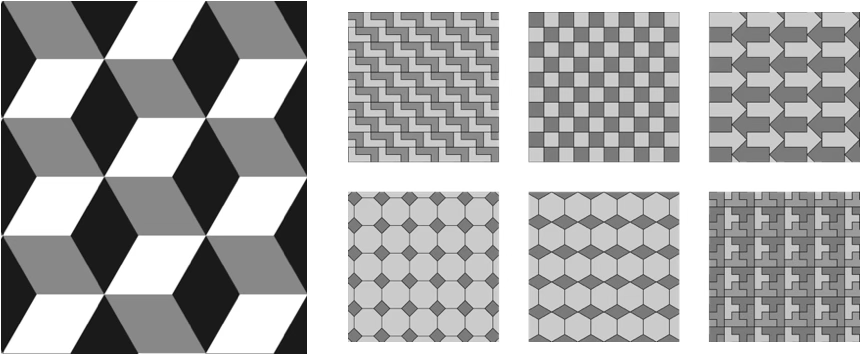
A tessellation is a tiling of one or more shapes that fills a plane without gaps:
To begin learning how to create tessellations, we’ll need to make a plan, then write some code in TurtleStitch.
Planning sheets
Mr. Gordon is distributing planning sheets to students now in class, but you can also download and print these planning sheets if desired:
TurtleStitch
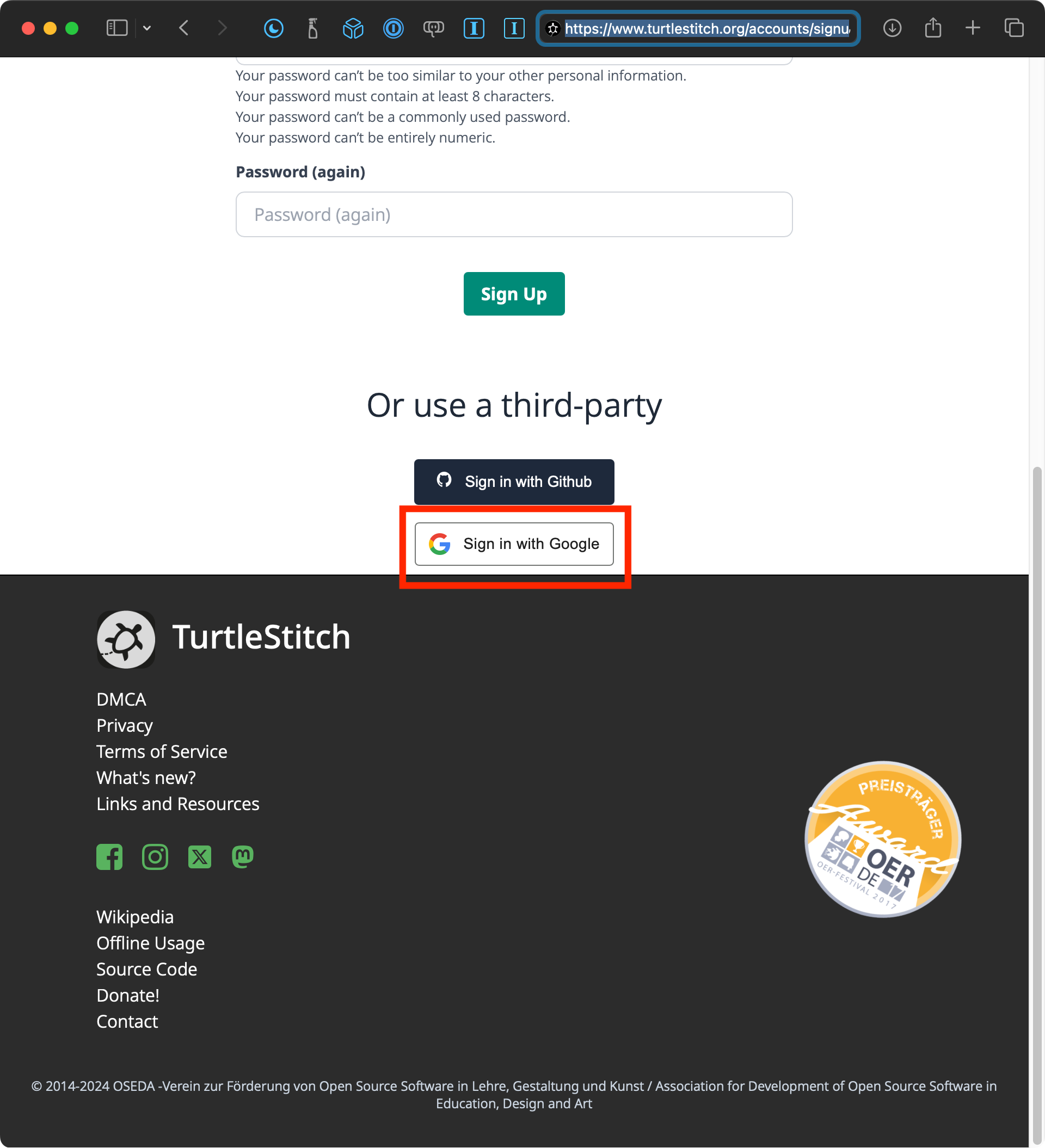
Please sign up for TurtleStitch now – scroll down and click on the Sign in with Google link:
Advanced tessellations
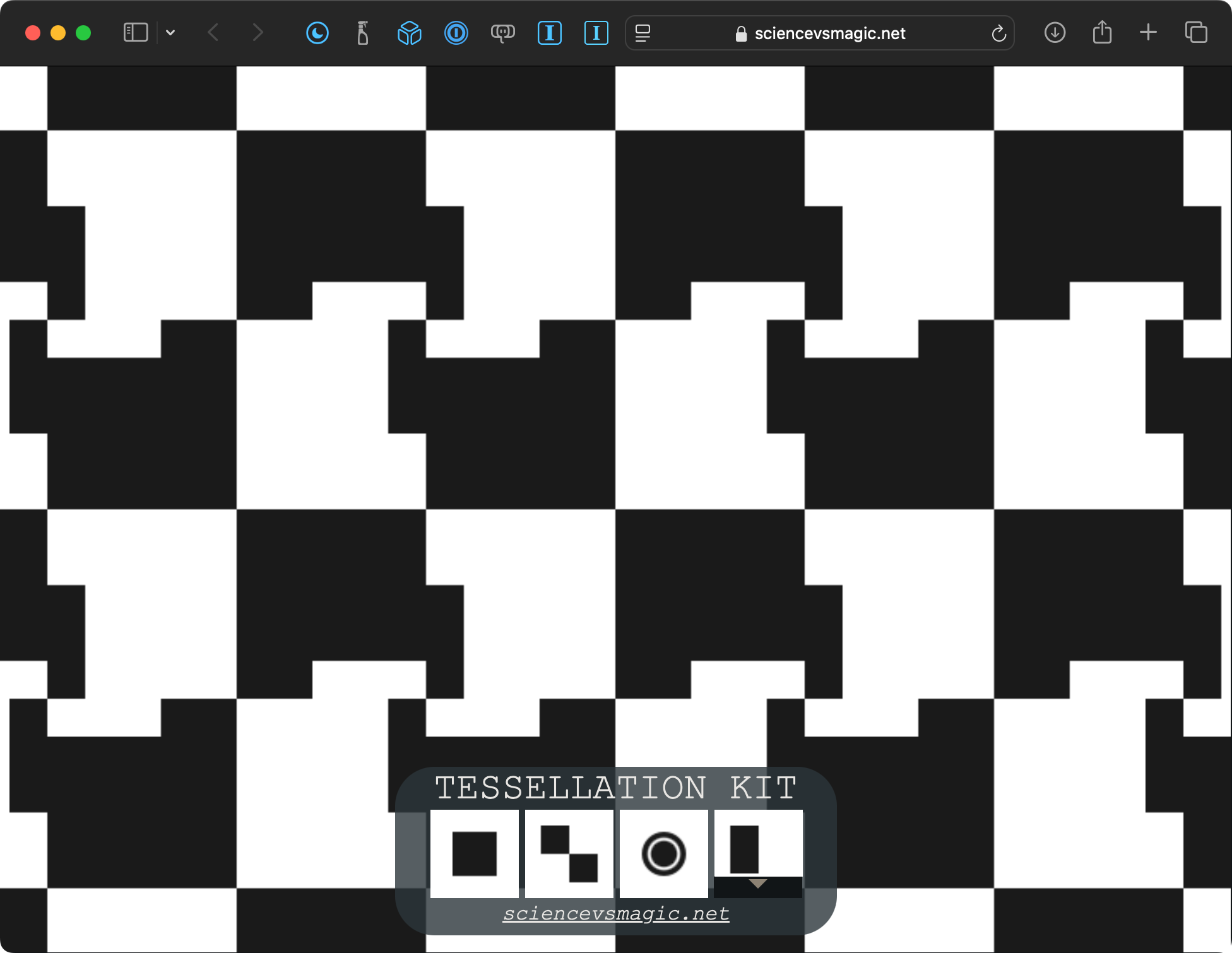
Of course, one can always search the web to find examples of simple tessellations, but the Tessellation Kit website is particularly fun and useful for creating custom tessellations of your own design: