What is PII?
“PII” is short for personally identifiable information.
Any information that uniquely identifies you, such as:
- SIN (Canadian Social Insurance Number)
- age
- ethnicity
- phone numbers
- medical or financial info
- biometric data (iris of eye, fingerprints, face scan)
Cookies
A given website may use technologies, including something called a “cookie”, for a variety of legitimate purposes
- knowing when a user has been logged in
- remembering site viewing preferences for a future visit
- to make suggestions for what to look at, based on what you browsed (say, at an online bookstore) in past sessions
Where things get tricky is when a given website also loads cookies attached to other domains. These are called third party cookies.
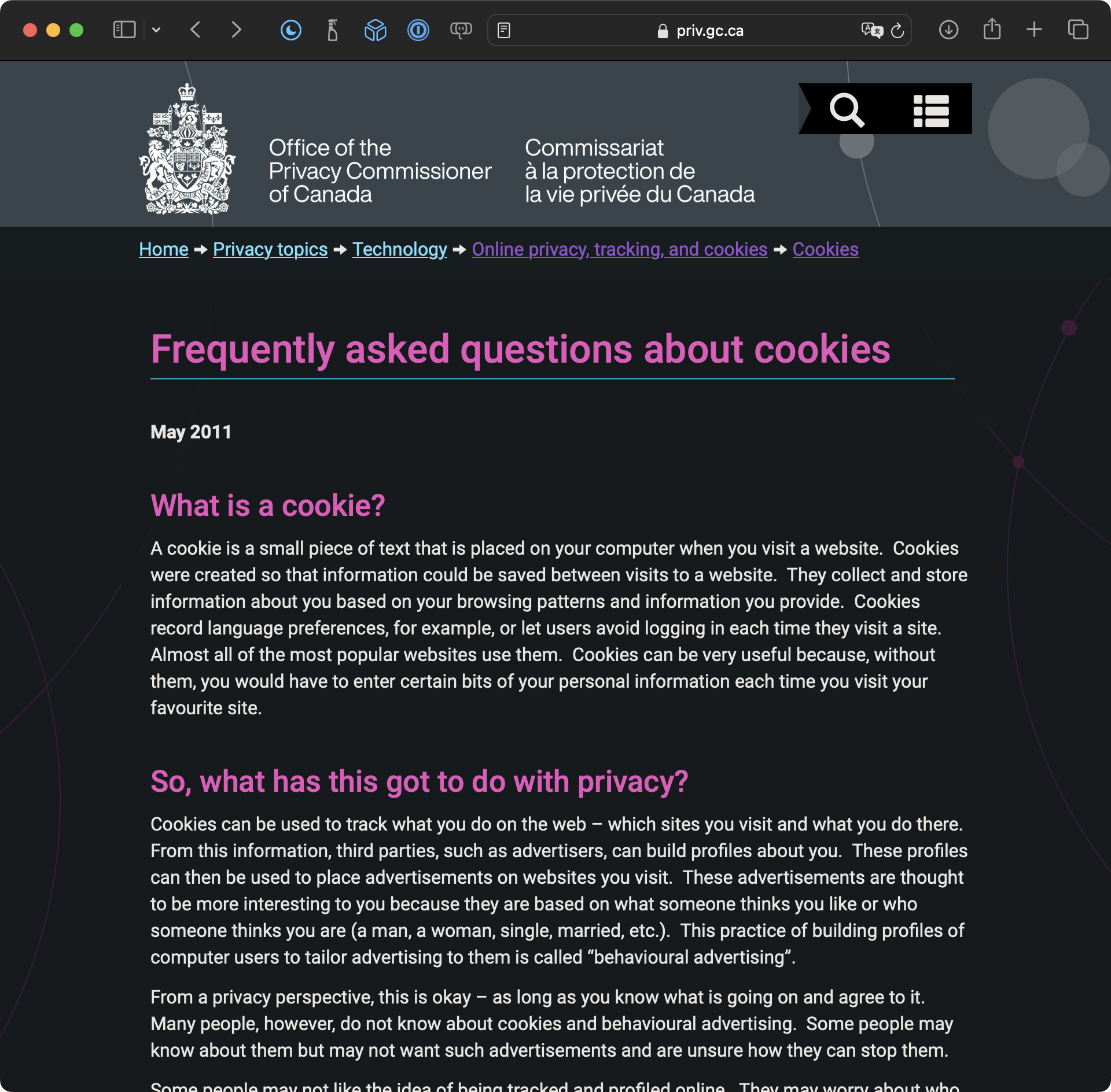
For more details about what cookies are:
Blacklight
Perhaps you will say – “I’m not worried! I trust the websites I visit…”
Try this out…
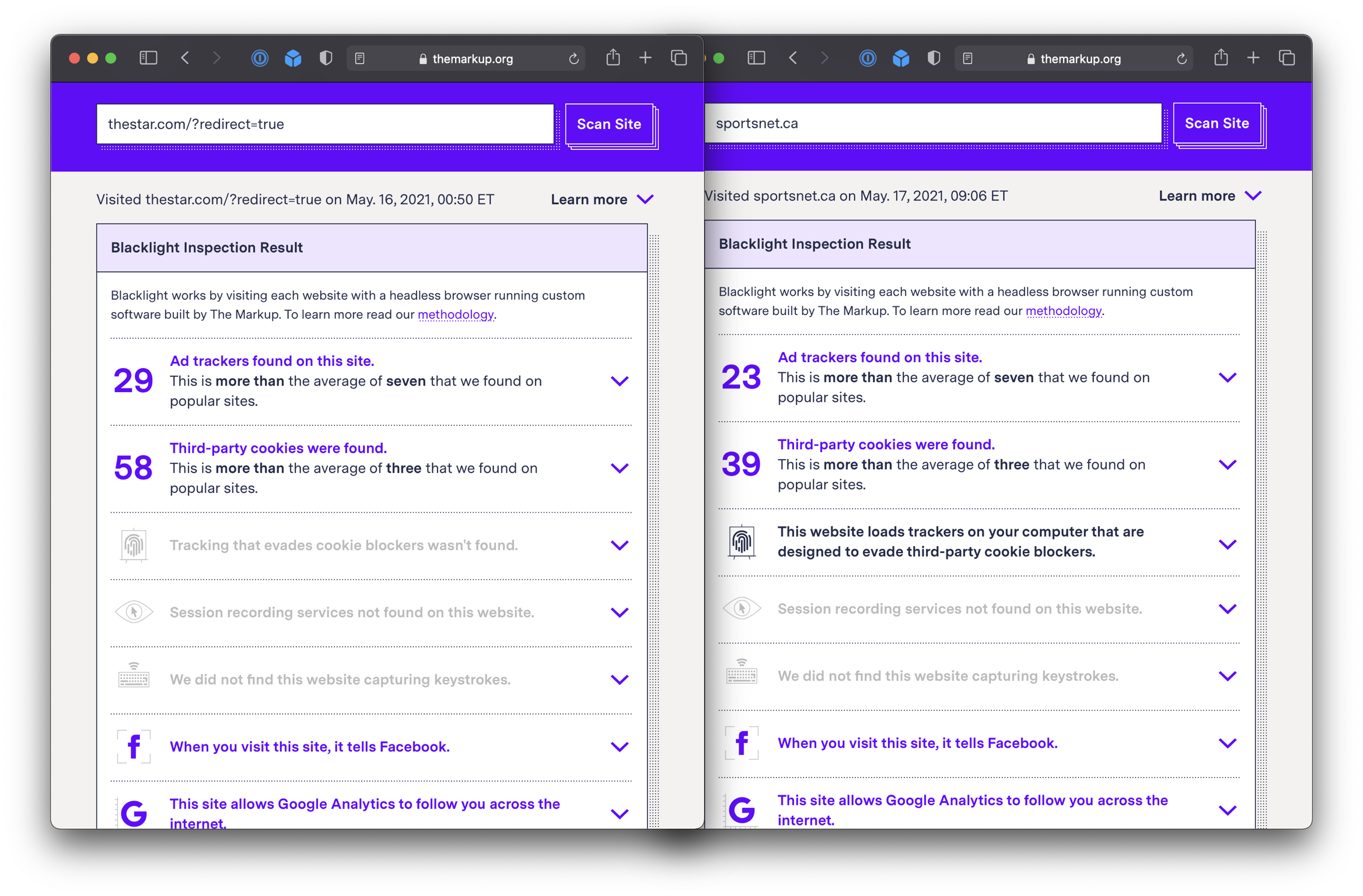
Here are the results for a couple of sites Mr. Gordon visits regularly…
Here’s a site you might recognize:
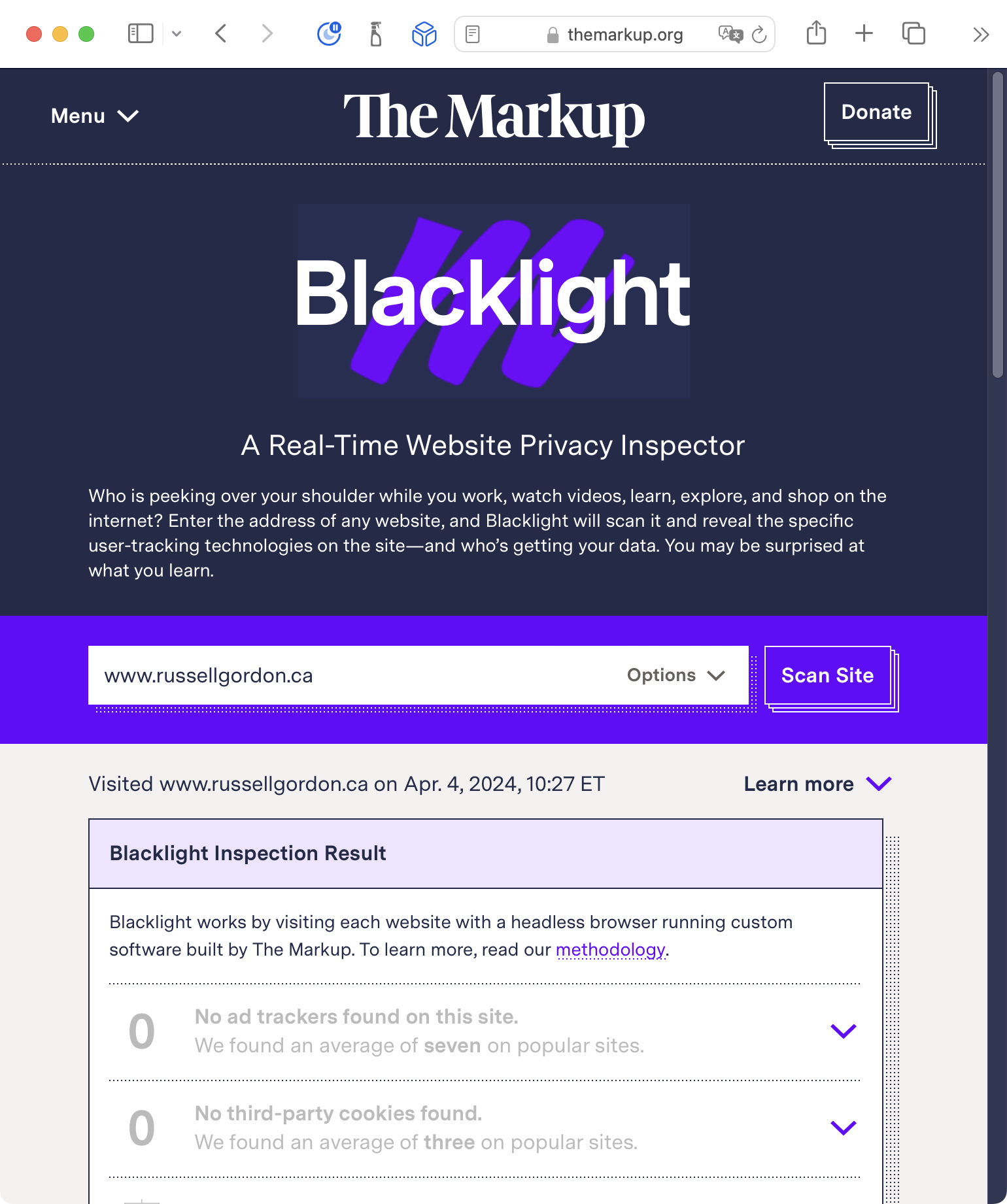
Try out Blacklight with a few websites that you visit. With whom are they sharing your information? What news articles you read? How often you visit? Where on the planet you are visiting their website from?
Some problematic examples
Perhaps you will say: “Ehh… who cares, I don’t do anything I care about someone seeing…”
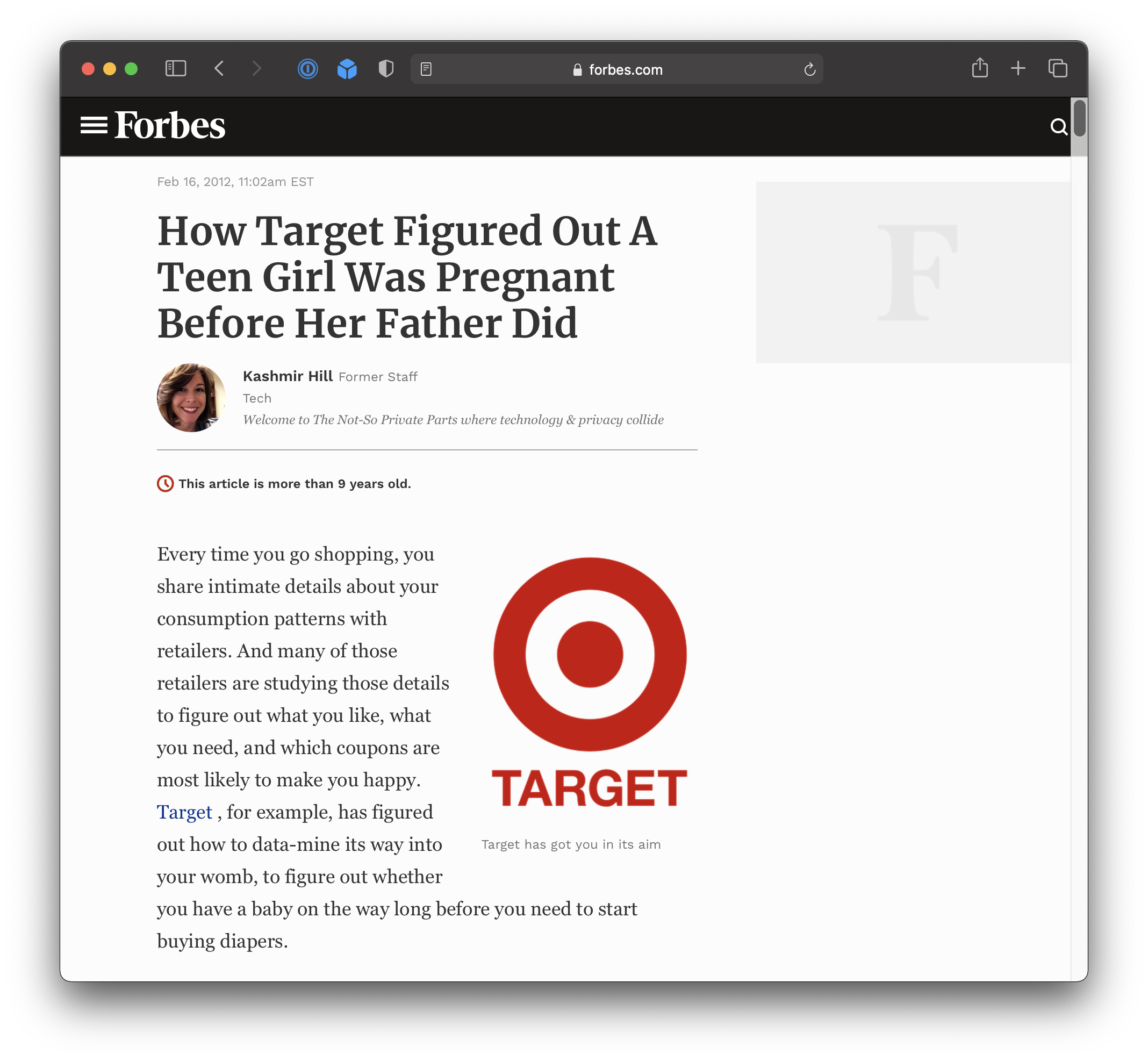
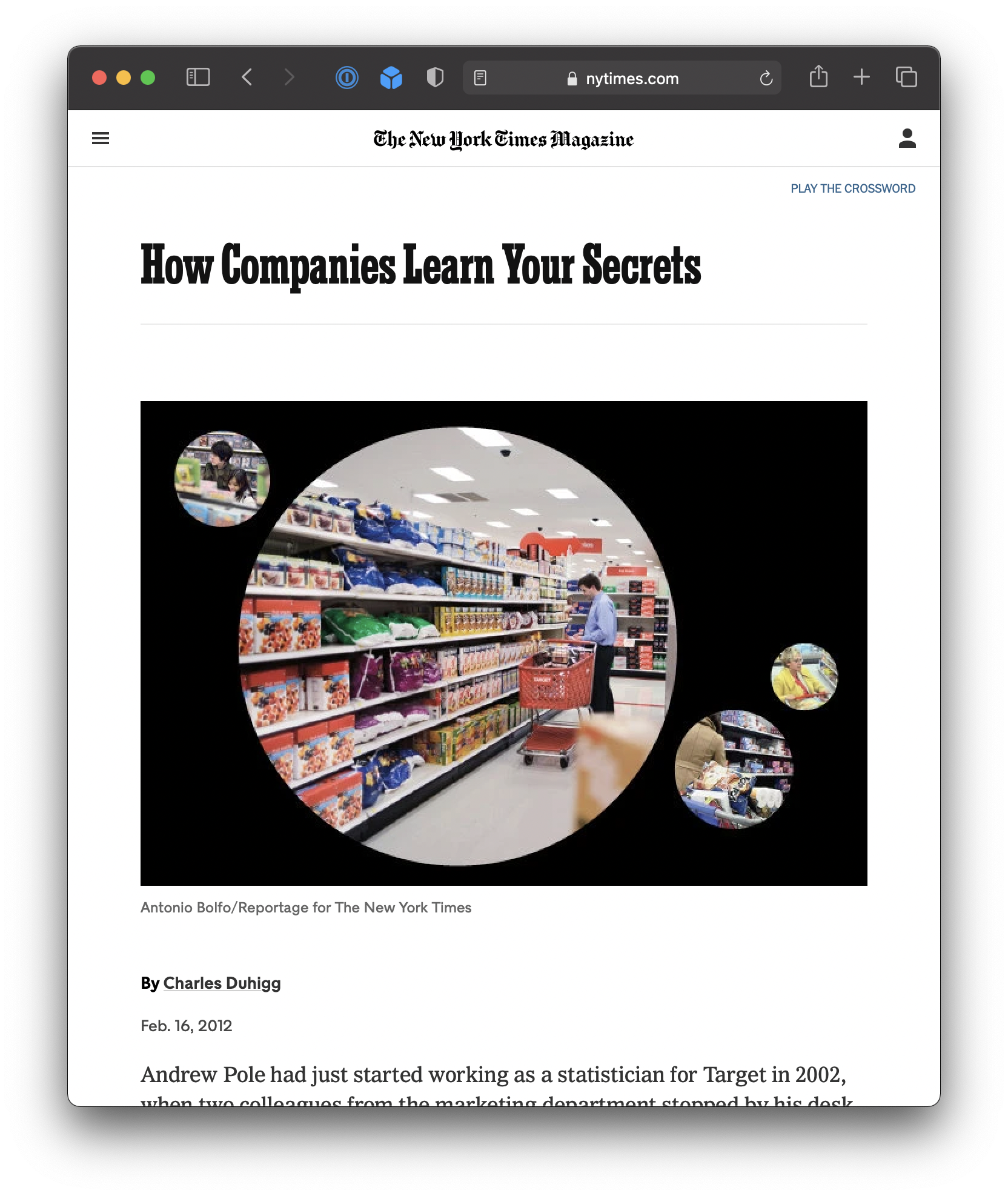
Doxxing
“Doxxing” or “document dropping” is “the act of publicly revealing previously private personal information about an individual or organization.”
“Methods employed to acquire such information include searching publicly available databases and social media websites (like Facebook), hacking, and social engineering.”

Preventing tracking
Privacy-focused browsers
What can you do to prevent this type of tracking? Use a privacy-focused browser.
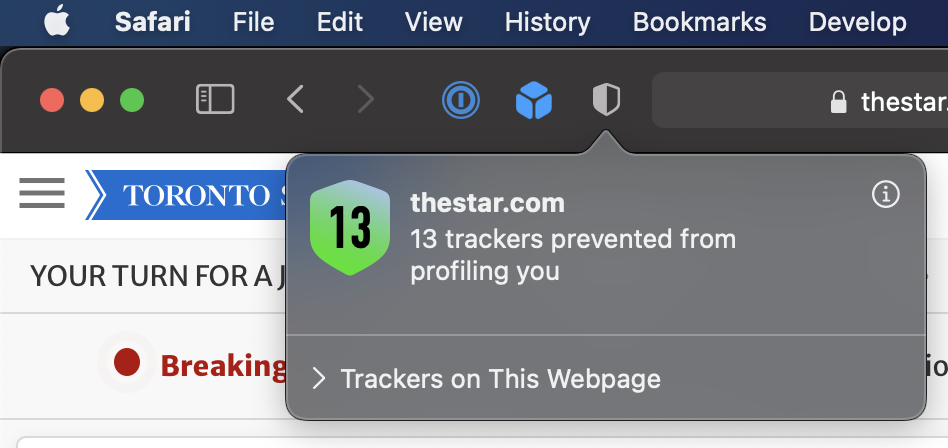
- Safari is built-in to your Mac.
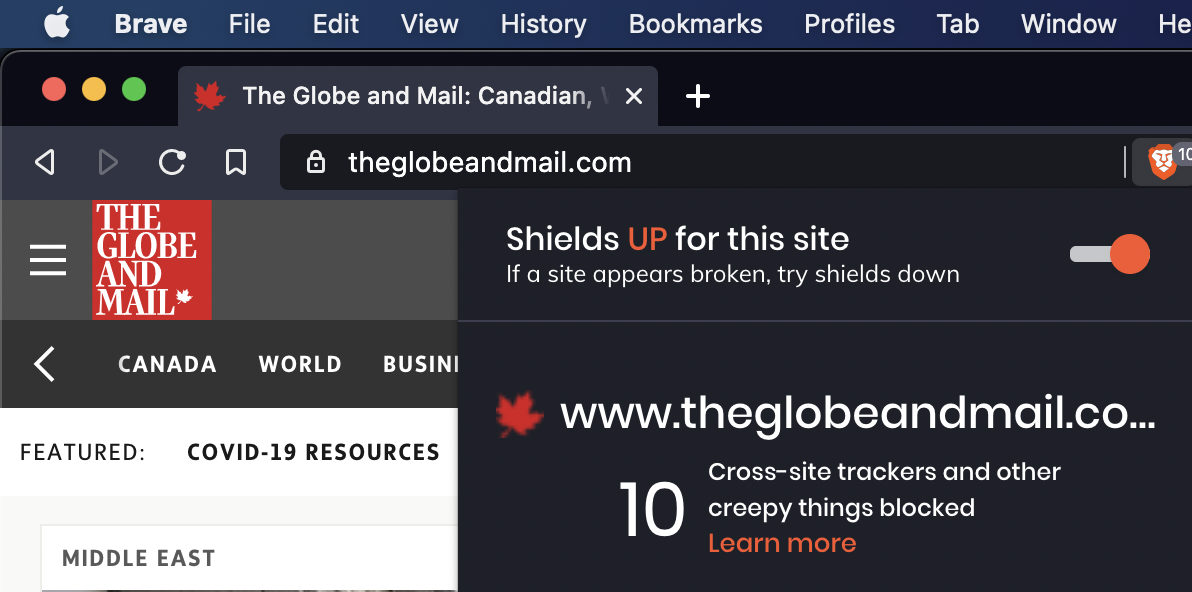
- Brave uses the same rendering engine as Chrome, so works will all the same websites.
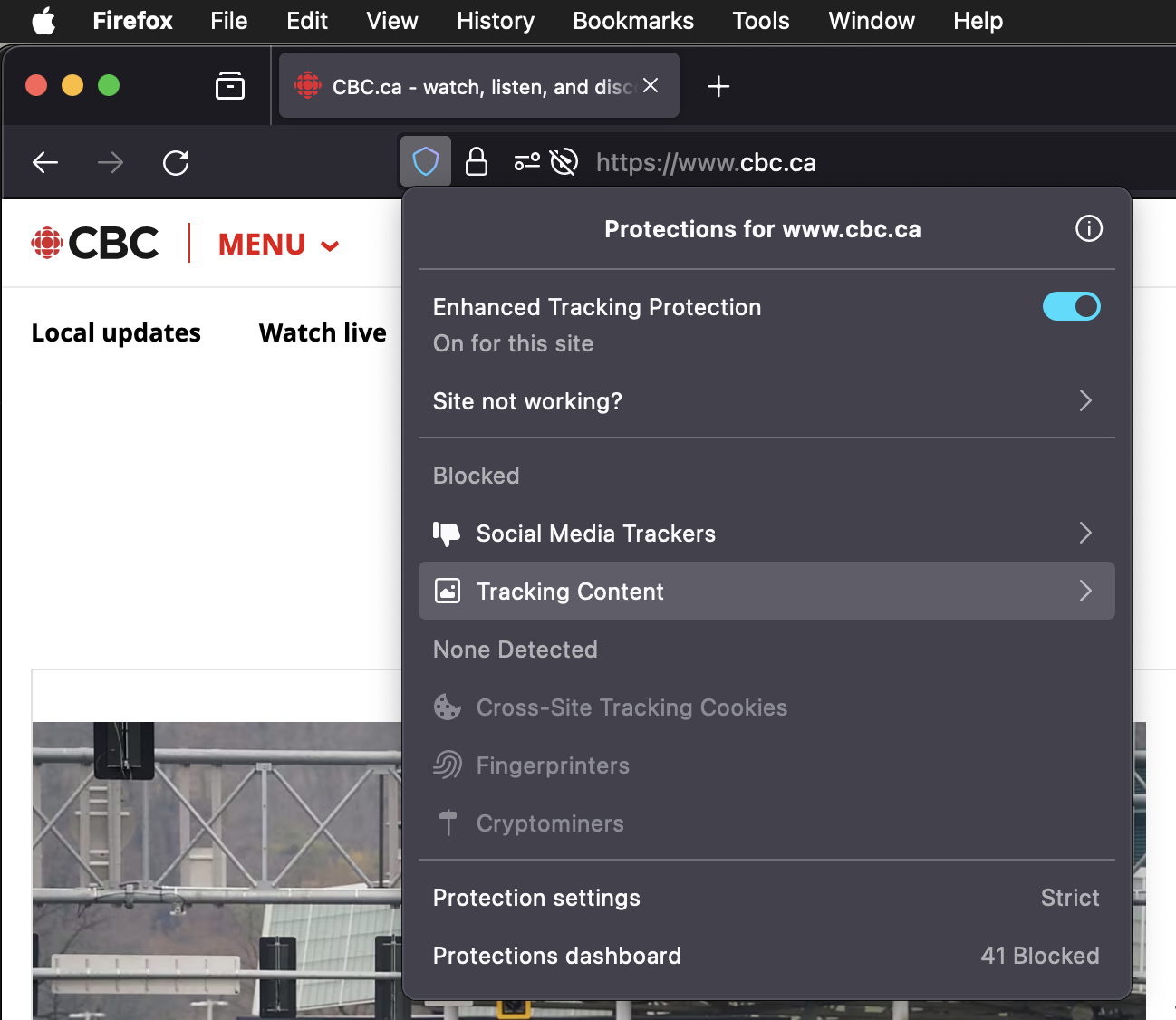
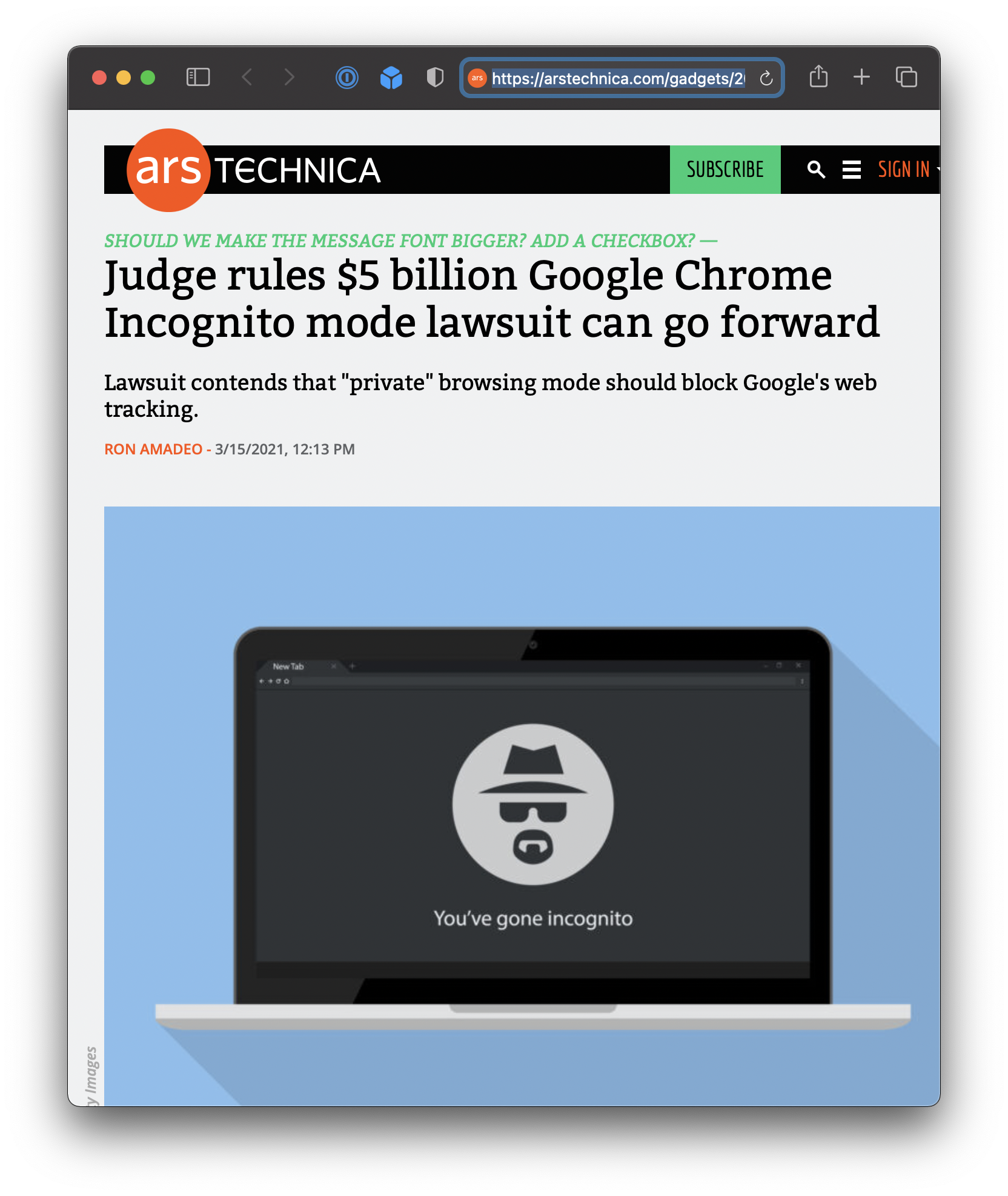
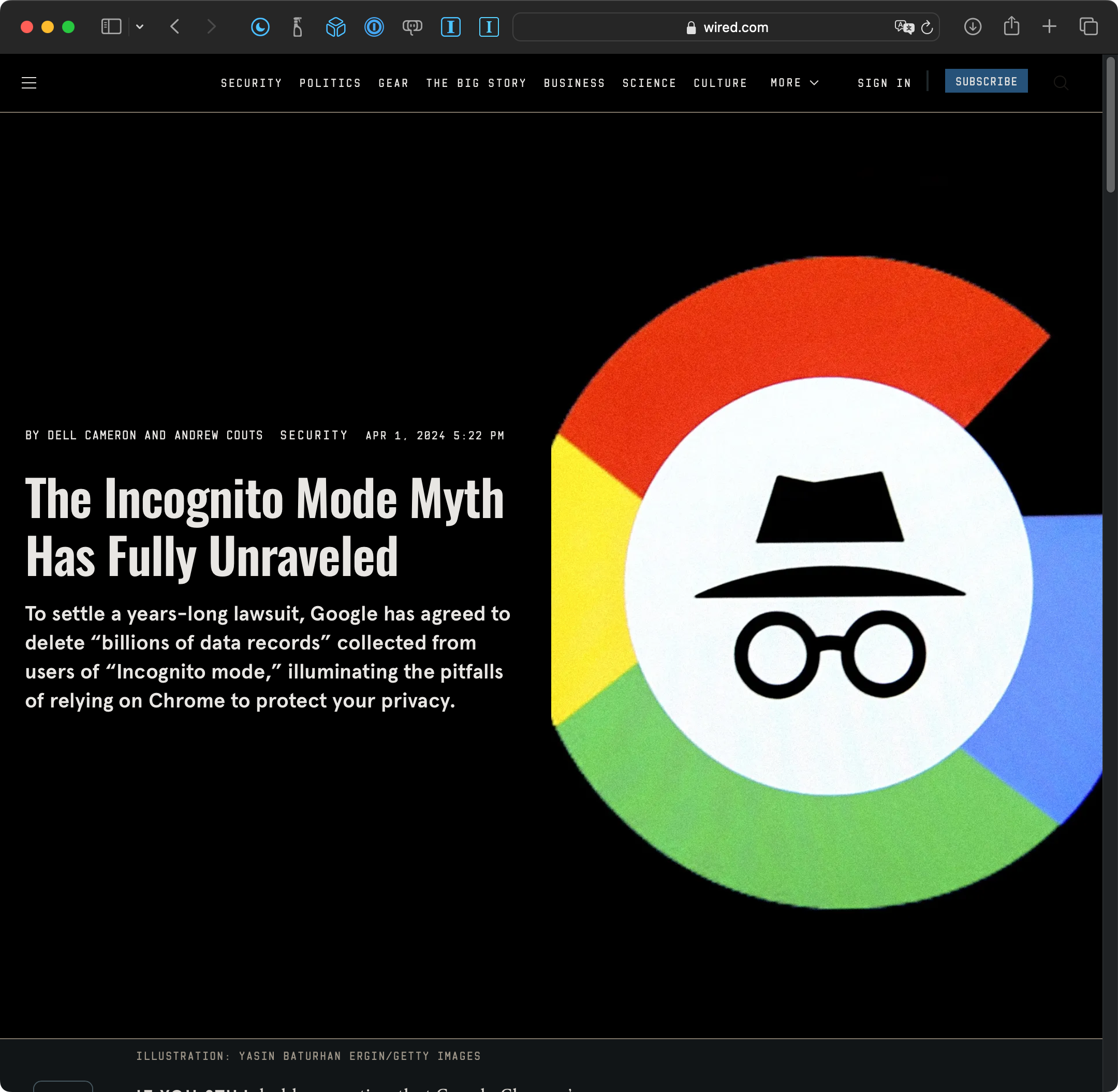
What about Chrome?
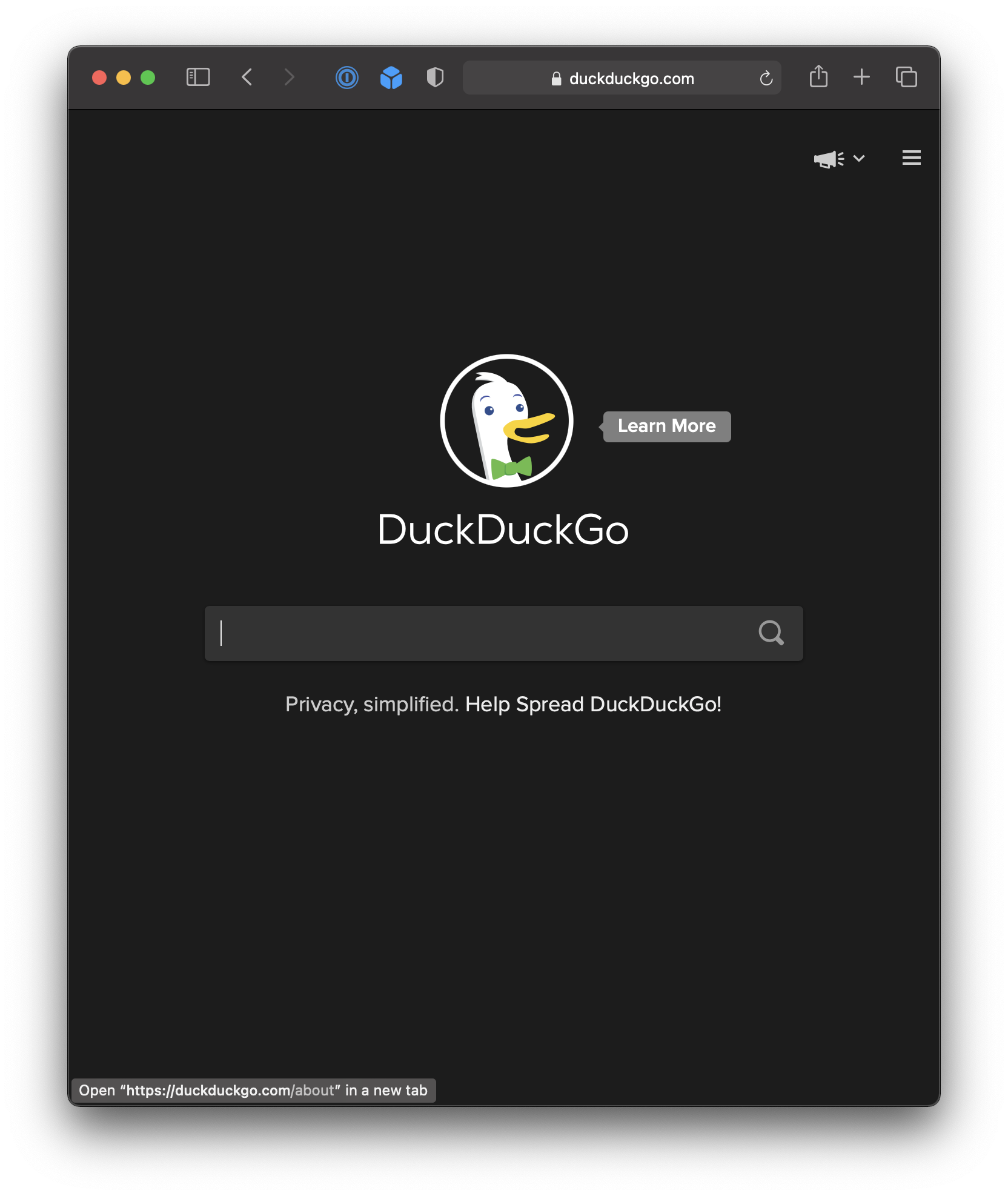
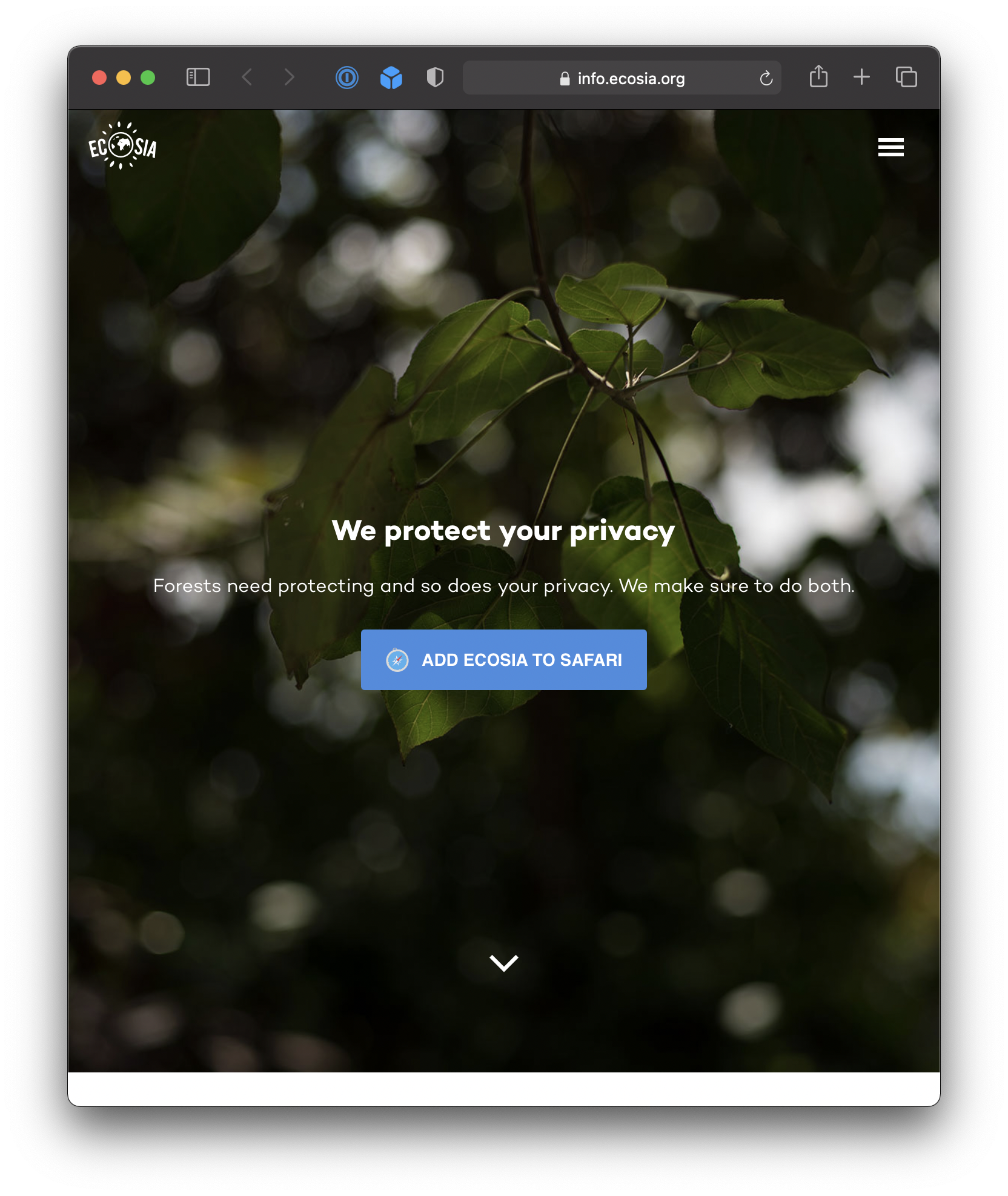
Change default search engine
Many search engines collect data about you and your search habits.
To prevent this, use a privacy-focused search engine, whose revenue is not generated by selling data to advertisers.
Use an ad-blocker
Why use an ad-blocker?
These prevent advertising networks from collecting and consolidating data about your web-surfing habits.

Using an ad-blocker also reduces the amount of data required to load a web page.
Here is the Toronto Star sports page, without ad-blocking… 42.1 MB 😱.

Here is the same page with ad-blocking… page weighs in at 23.2 MB 🤯.

Super-cookies
It is not just browser cookies…
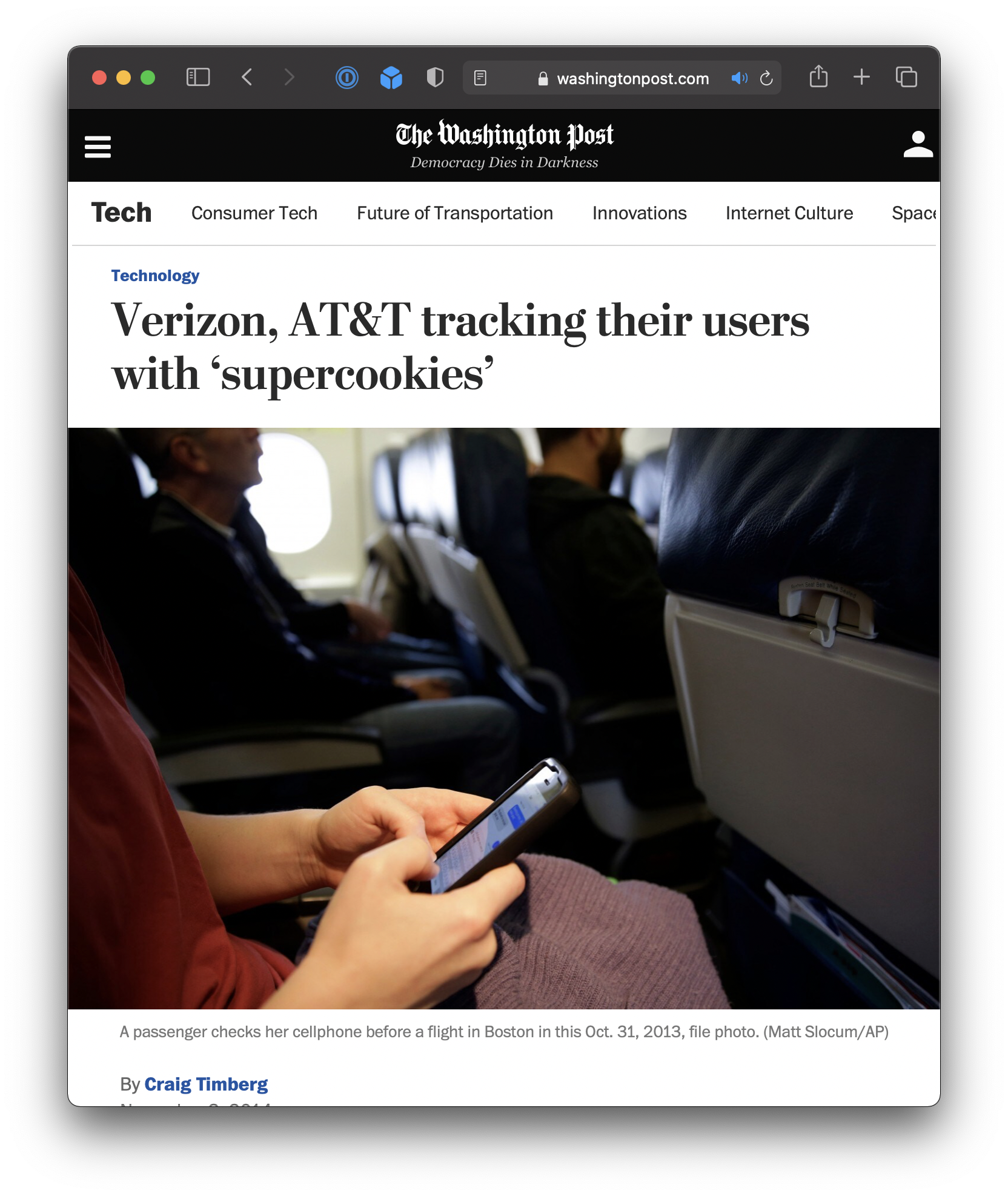
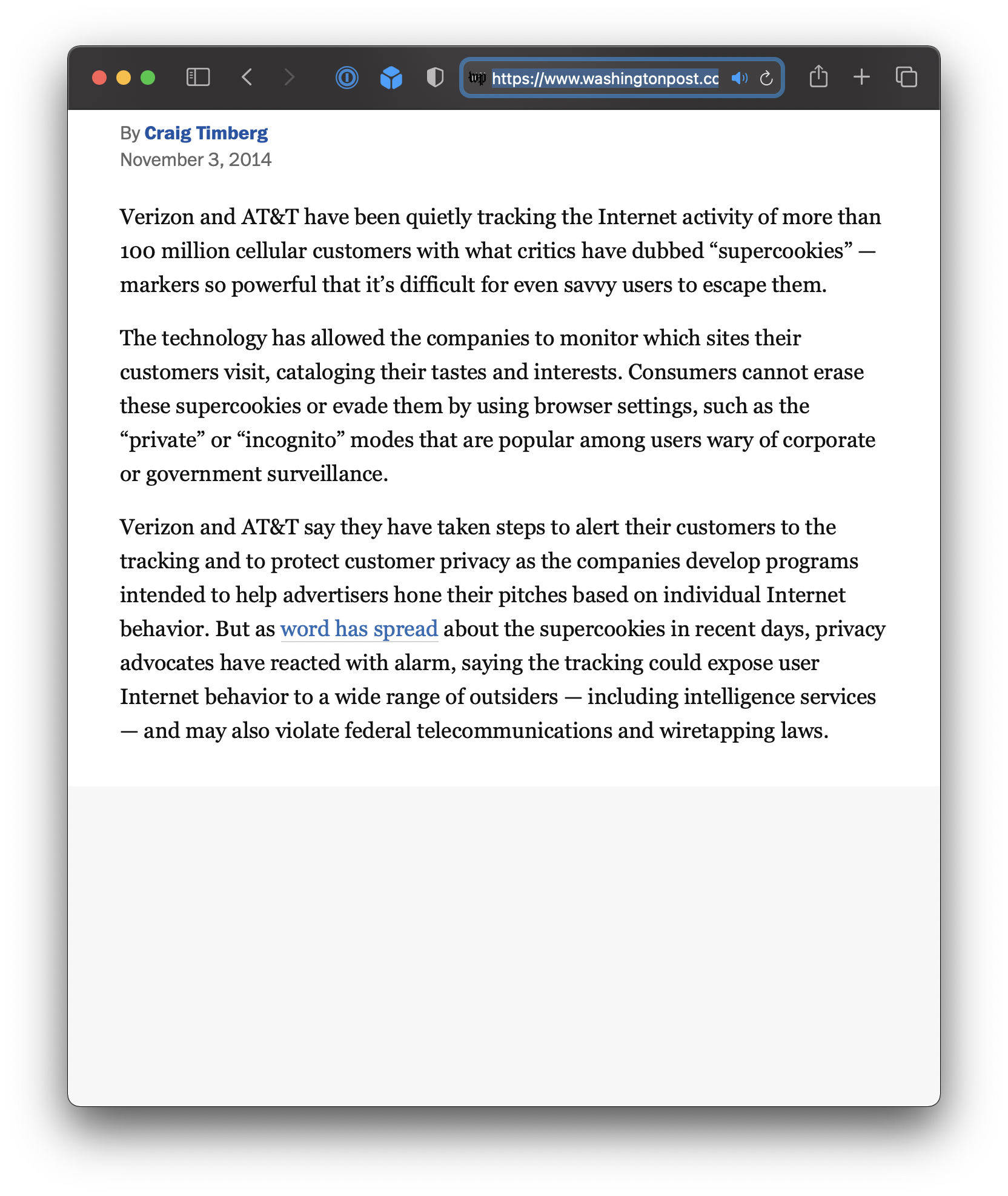
Your ISP (Internet Service Provider) is also likely selling your browsing history, sometimes using other methods to uniquely identify a user.
These are called “persistent trackers”.
Note that this is likely aggregated data, but do you want your local ISP to know where and what you browse?
What can you you do to block super-cookies?
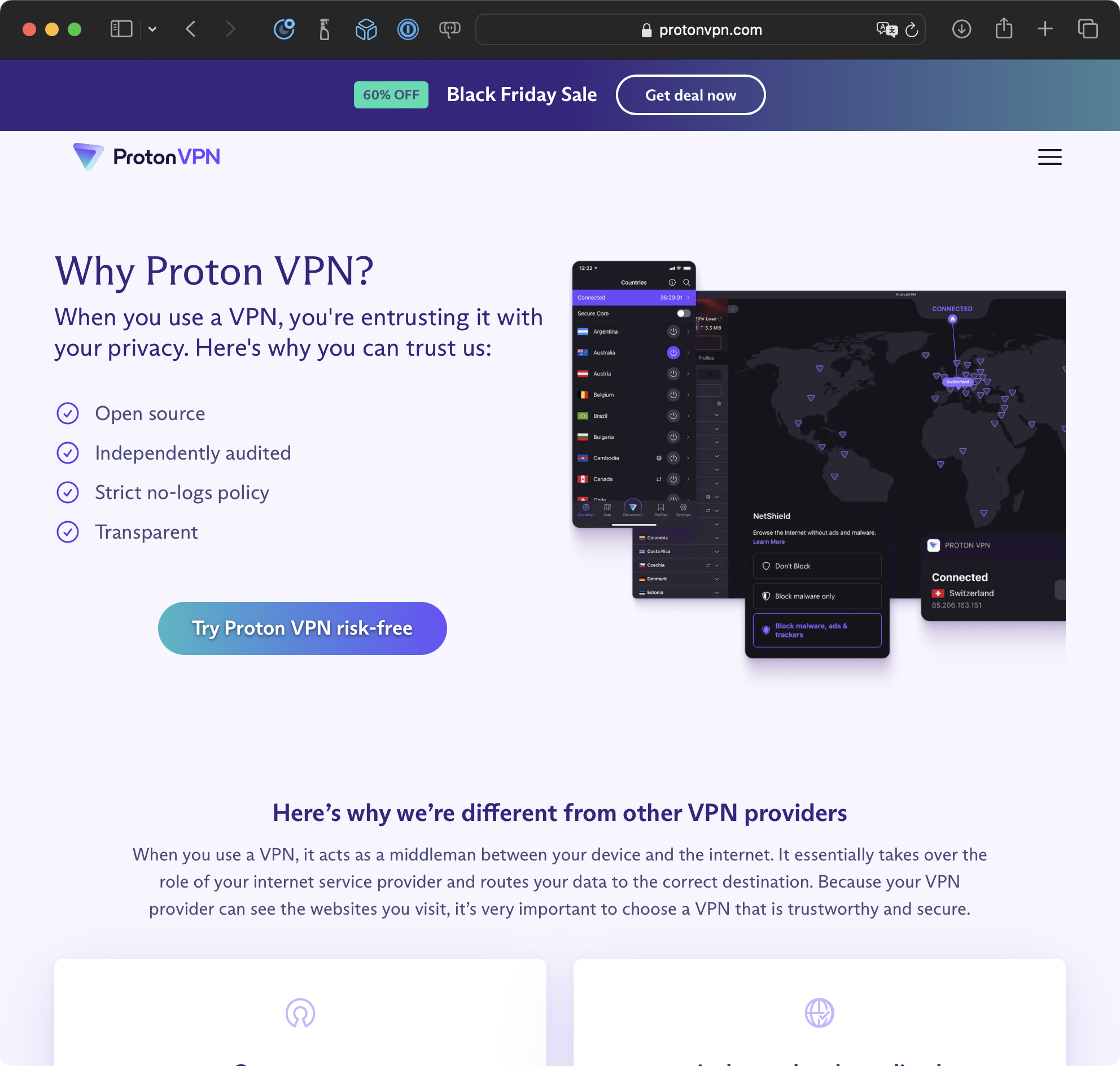
Use a VPN
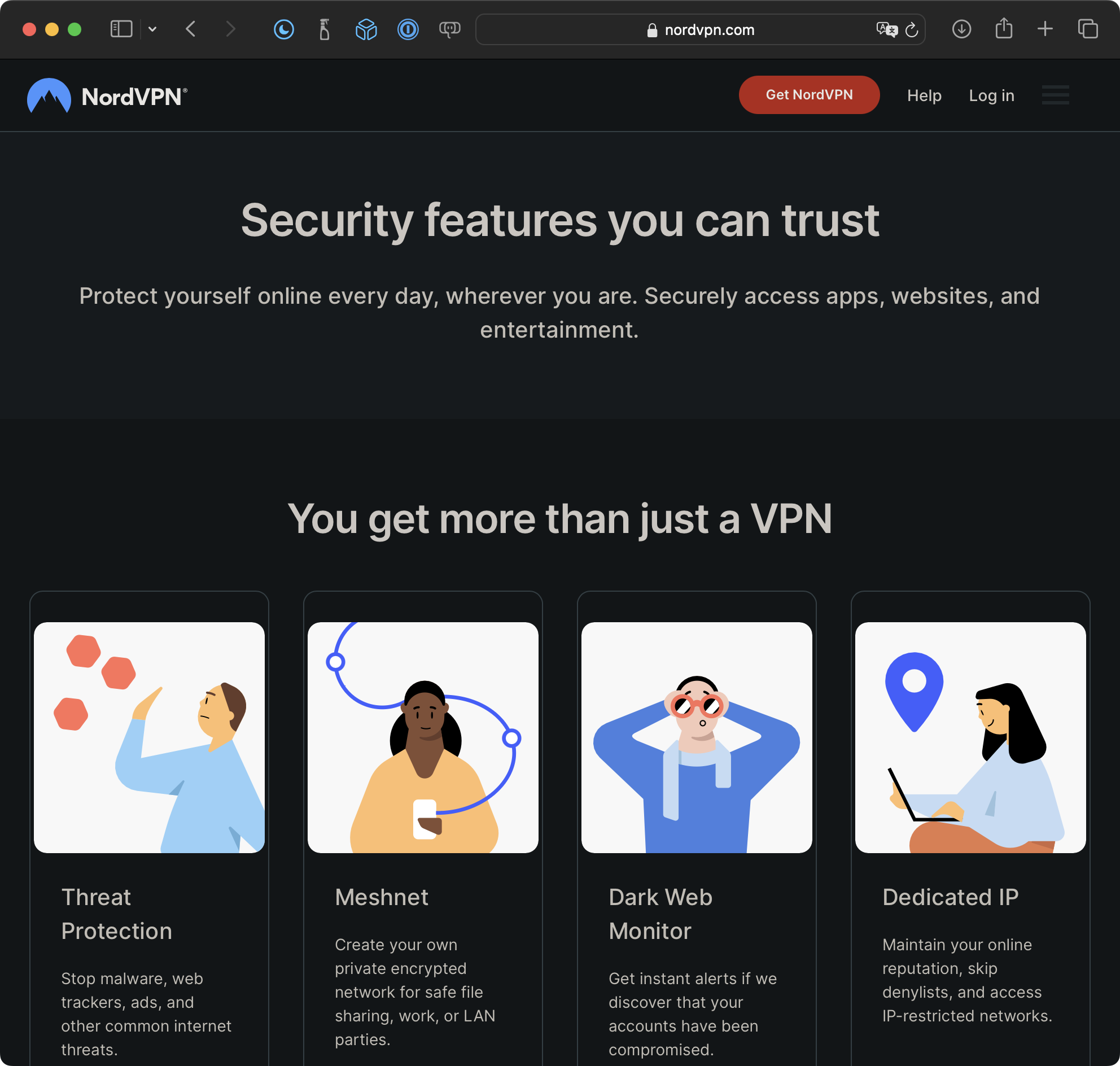
To prevent tracking using super-cookies or persistent trackers, make regular use of a VPN.
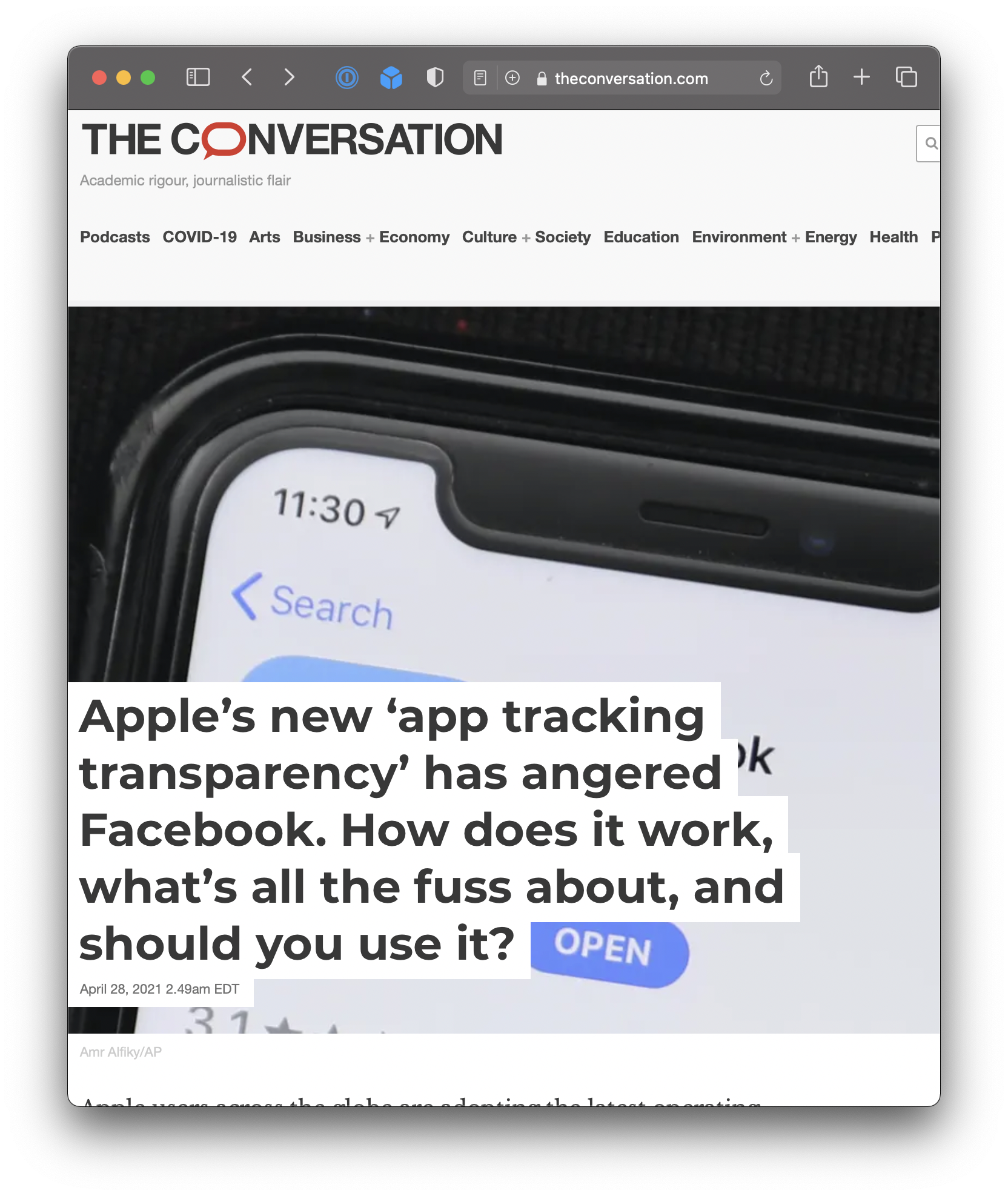
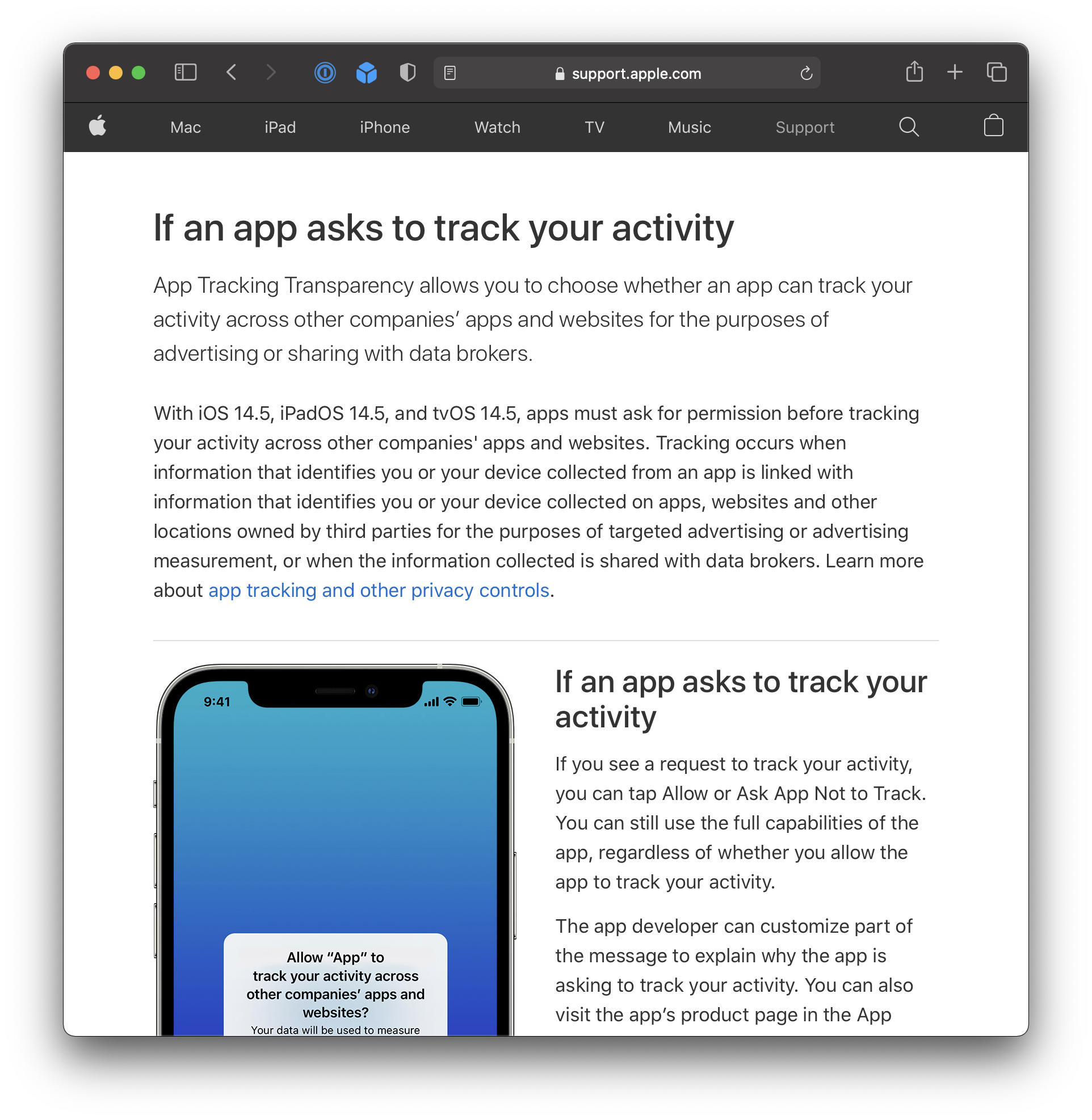
Ask apps not to track
Scrub your personal data
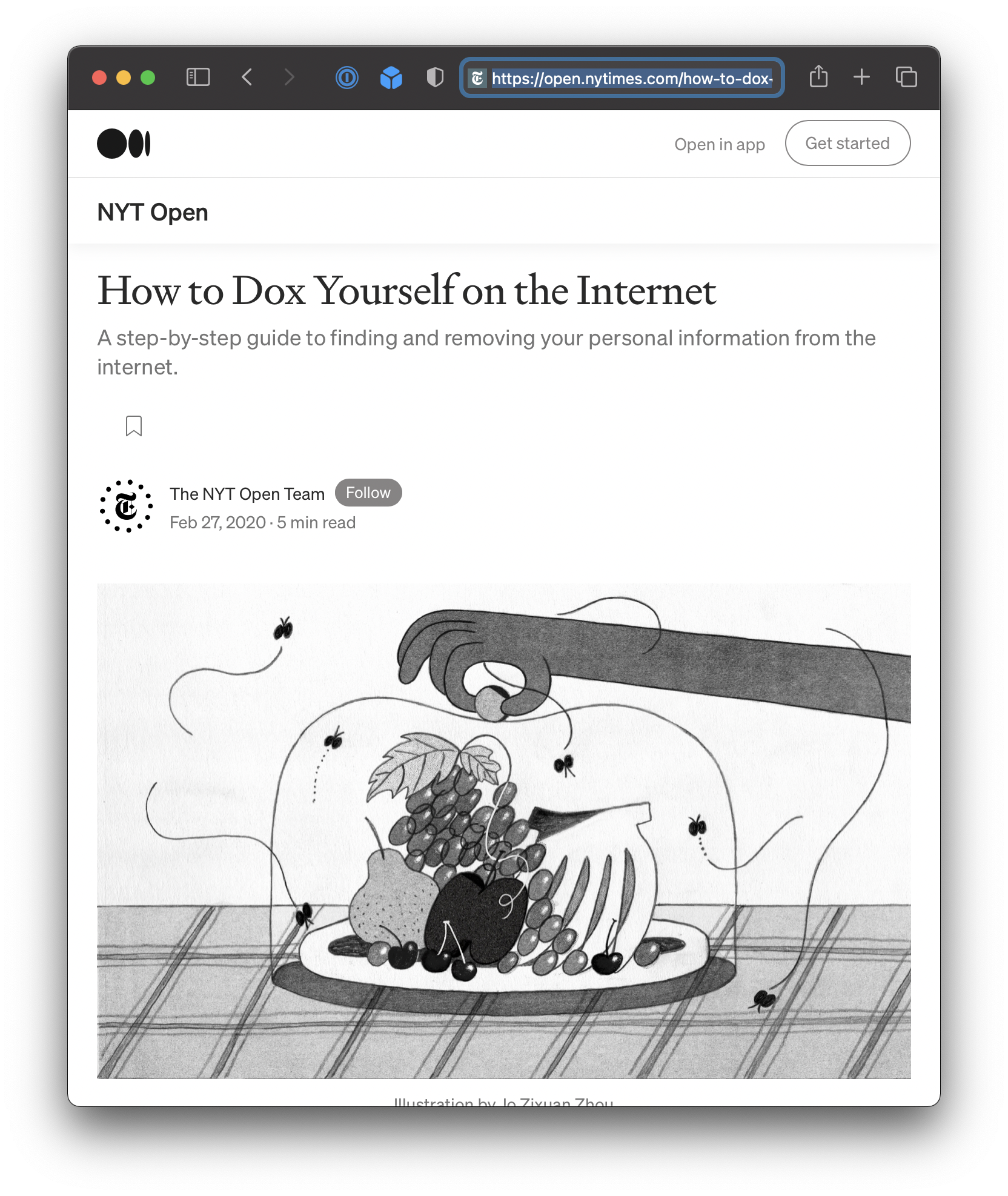
The New York Times has published an entire guide on how to “dox yourself” and then scrub as much of your personal information from the Internet as possible.
“Cyber” attacks
There are a variety of ways that bad actors will cause havoc with computing systems and users to (usually) extort or otherwise obtain money.
Phishing
A technique where someone attempts to trick you into revealing PII.
That data can then be used access other online information, such as bank accounts, email account, other sensitive access.
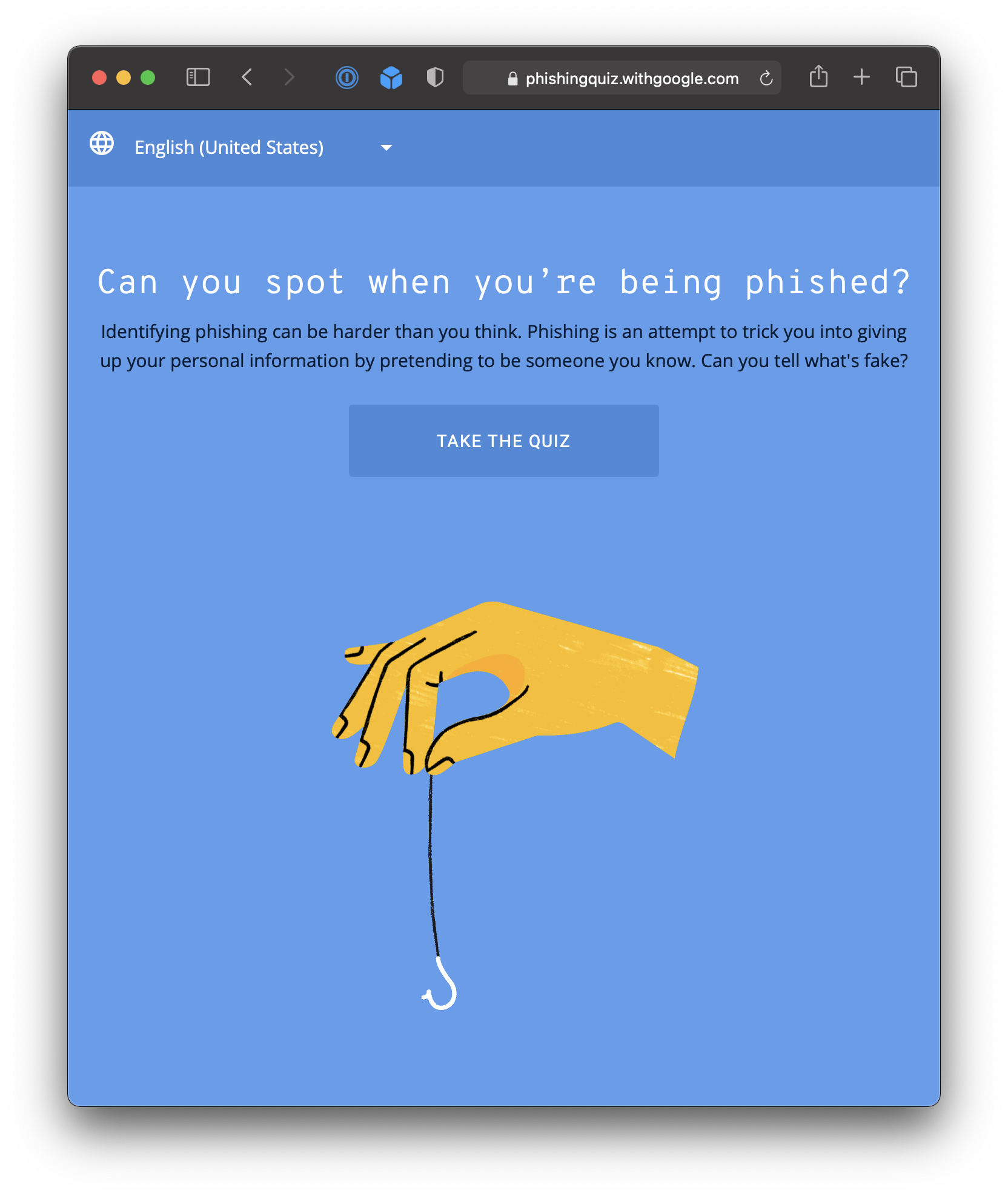
Think you can spot a phishing email? Test your skills!
Malware
Types / attack vectors are:
- Trojan horse
- A harmful program that appears to be legitimate
- Virus
- Self-replicating malware that is part of another program
- Worm
- Self-replicating, it is the entire program
Effects of these types of attack vectors:
- Spying
- Sending your data back to the malware creators
- Adware
- Replace ads that would otherwise show on your computer when visiting websites, or just pop up random ads
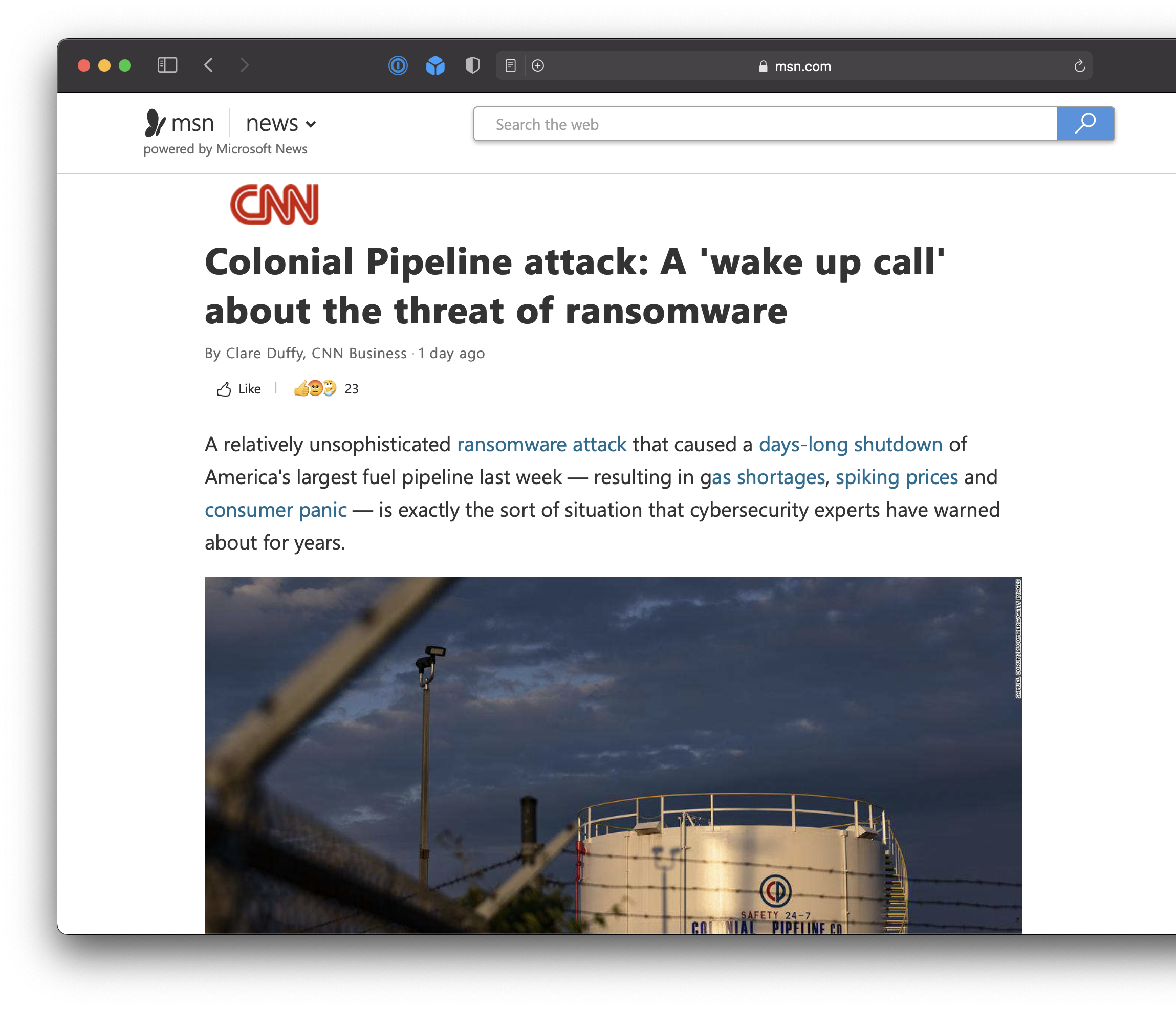
- Ransomware
- Restrict access to infected system until ransom is paid
Ransomware attacks have real-world consequences:
Further effects of these types of attack vectors:
- Cryptomining
- Using someone’s computer, without their knowledge, to “mine” for cryptocurrency
- That is, get someone’s computer to solve complicated mathematical problems to do the work of verifying the legitimacy of cryptocurrency transactions… miners are rewarded with their own units of that cryptocurrency
- The attacker gets the rewards and the owner of the infected computer pays for the computing resources and electricity consumed
Methods of protection against cyberattacks:
- Education
- Understanding the different types of attack vectors
- Knowing how to protect your computing devices
- Security patches for operating systems
- Turning on auto-updates, or being very meticulous about manually allowing updates
- Network firewall
- Blocks suspicious traffic from entering your local network
- Anti-virus software
- Protect a computer by constantly scanning files for malware
Exercises
From Khan Academy, complete these modules and related quizzes:
- Introduction to online data security
- PII (Personally Identifiable Information)
- User data tracking
- All four subsections, please
- Web cookies
- Search history
- Browsing history
- Geolocation
- All four subsections, please
- Cyber attacks
- All three subsections, please
- Phishing attacks
- Rogue access points
- Computer malware
- All three subsections, please
TIP
Mr. Jones can see your progress toward mastery of these topics in our class on Khan Academy.
So, make your Notion portfolio post more of your own personal note – what are the key terms and ideas you do not want to forget?